WapiPro for WooCommerce: Send WhatsApp Order Updates and Sync Checkout Customers
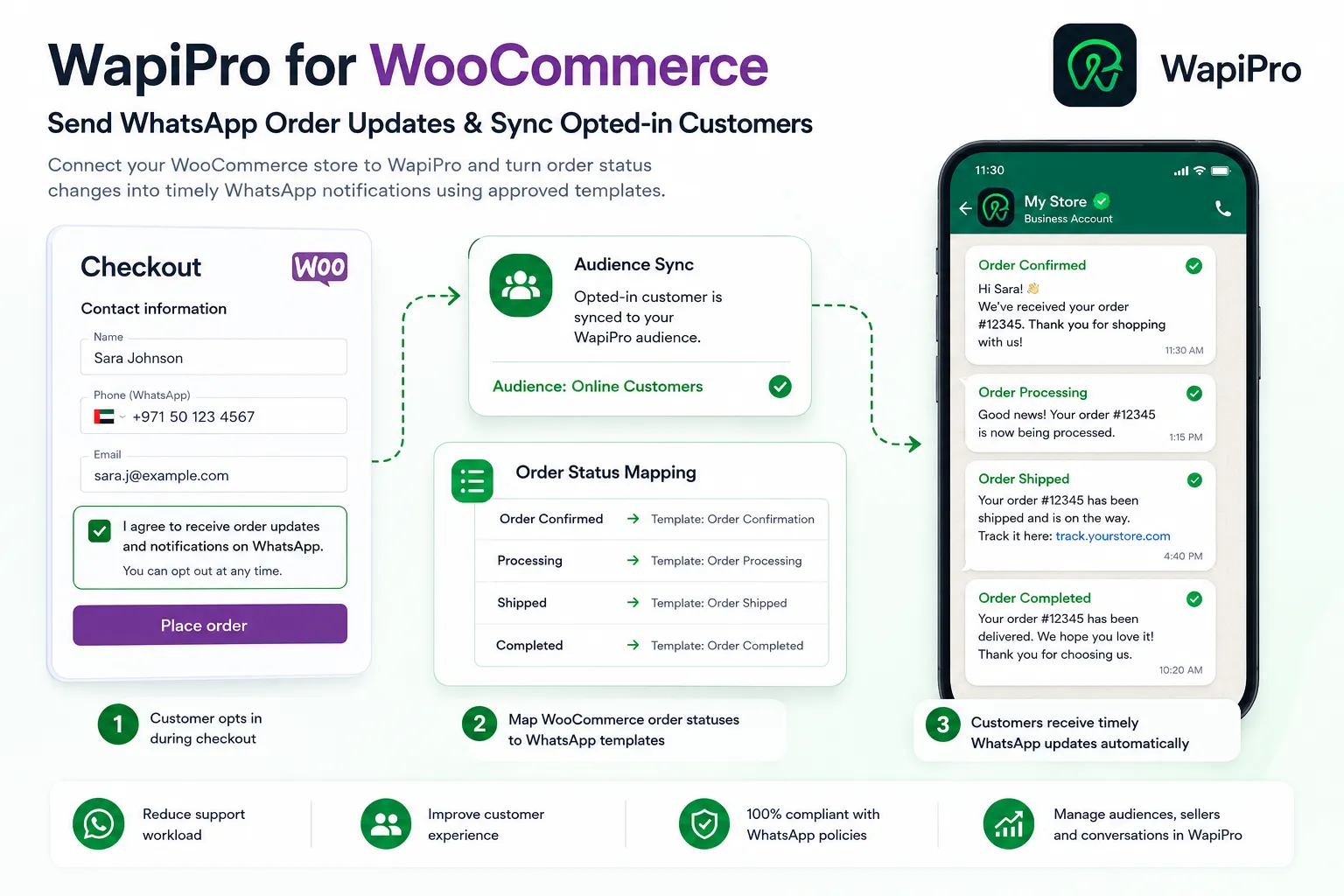
WapiPro for WooCommerce is ready to use for online stores that want to sync opted-in checkout customers, connect WooCommerce order statuses to approved WhatsApp templates, and improve order communication.
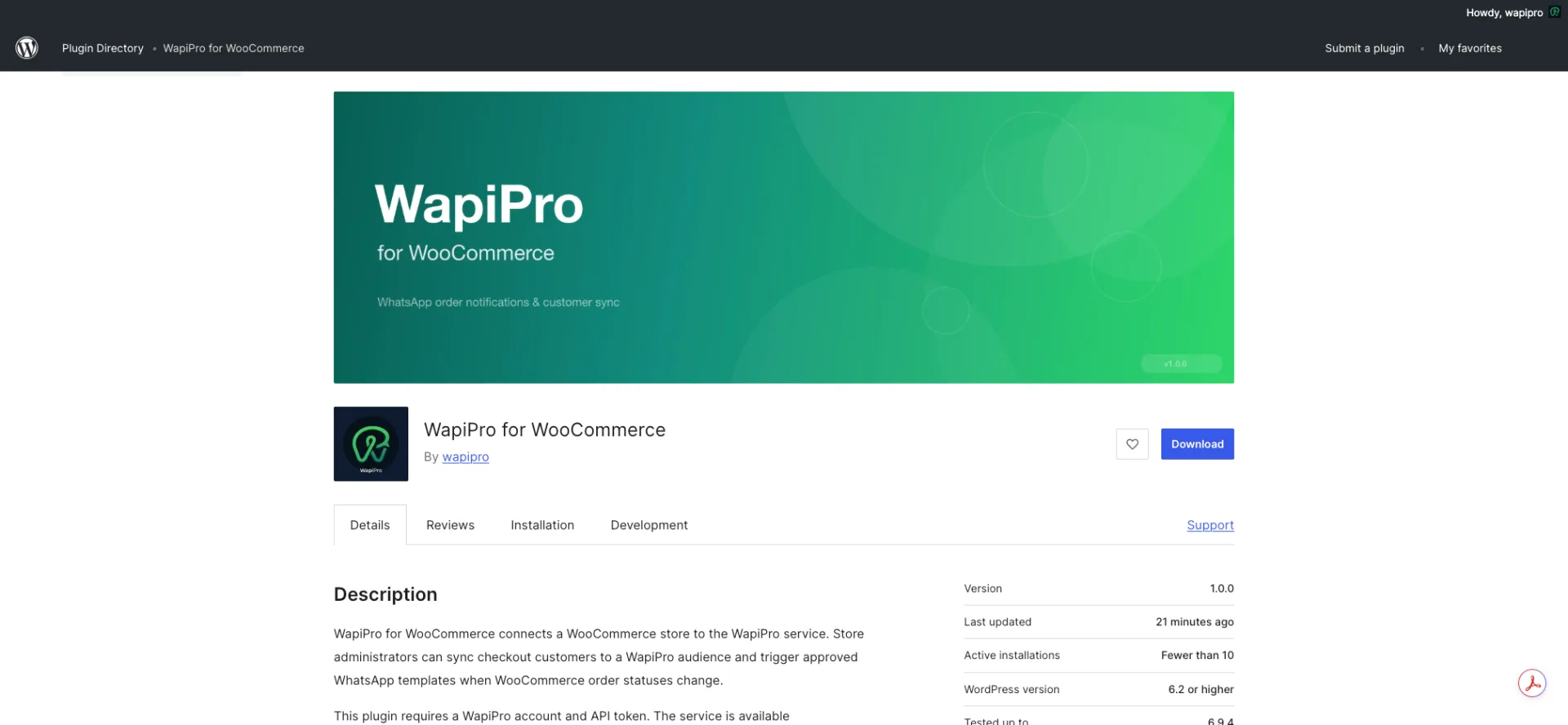
A ready-to-use WhatsApp workflow for WooCommerce stores
What is WapiPro for WooCommerce?
Why this matters for WooCommerce operations
Main use cases for the plugin
- Send WhatsApp order confirmation updates after checkout when the customer has opted in.
- Notify customers when an order status changes in WooCommerce.
- Sync checkout customers to a selected WapiPro audience.
- Use approved WhatsApp templates for structured order communication.
- Support seller, call-center, and customer service teams with cleaner order follow-up.
- Keep WhatsApp communication connected to the real WooCommerce order workflow.
Important consent detail
How the plugin works in practice
Before and after using WapiPro for WooCommerce
| Area | Without plugin | With WapiPro for WooCommerce |
| Customer updates | Manual messages or delayed replies | WhatsApp updates linked to order status changes |
| Contact sync | Contacts stay scattered in orders and chats | Opted-in checkout customers can be synced to a WapiPro audience |
| Team workflow | Support agents answer repeated order questions | Customers receive clearer status communication |
| Template usage | Messages may be inconsistent | Approved WhatsApp templates can be mapped to order statuses |
| Consent control | Often handled manually | Checkout consent is recorded before sync or notification |
Useful for stores that depend on WhatsApp after checkout
Example workflow
Technical and operational notes
Setup checklist
- Install and activate WooCommerce on your WordPress store.
- Install and activate WapiPro for WooCommerce.
- Open WooCommerce > WapiPro in the WordPress admin area.
- Enter your WapiPro integration token.
- Check the connection to load audiences and approved templates.
- Select or create a WapiPro audience for checkout contact sync.
- Map WooCommerce order statuses to approved WhatsApp templates.
- Save settings and test the workflow with an opted-in checkout order.
Best practice
A stronger bridge between WooCommerce and WhatsApp operations
FAQ
What is WapiPro for WooCommerce?
It is a WordPress plugin that connects a WooCommerce store to WapiPro, allowing store administrators to sync opted-in checkout customers and trigger WhatsApp templates based on WooCommerce order status changes.
Do I need a WapiPro account to use the plugin?
Yes. The plugin requires a WapiPro account and an API token before it can sync contacts or send WhatsApp order notifications.
Does the plugin send WhatsApp messages automatically after activation?
No. The plugin needs to be configured first with a WapiPro API token and order-status template mappings.
Does the plugin require customer consent?
Yes. The checkout WhatsApp consent checkbox is unchecked by default, and contact sync or notifications are only sent when consent is granted.
Where can I find the plugin?
The plugin is available on WordPress.org at [https://wordpress.org/plugins/wapipro-for-woocommerce/](https://wordpress.org/plugins/wapipro-for-woocommerce/).
Connect your WooCommerce store to WhatsApp order updates
Use WapiPro for WooCommerce to sync opted-in customers, map order statuses, and send approved WhatsApp templates from your store workflow.