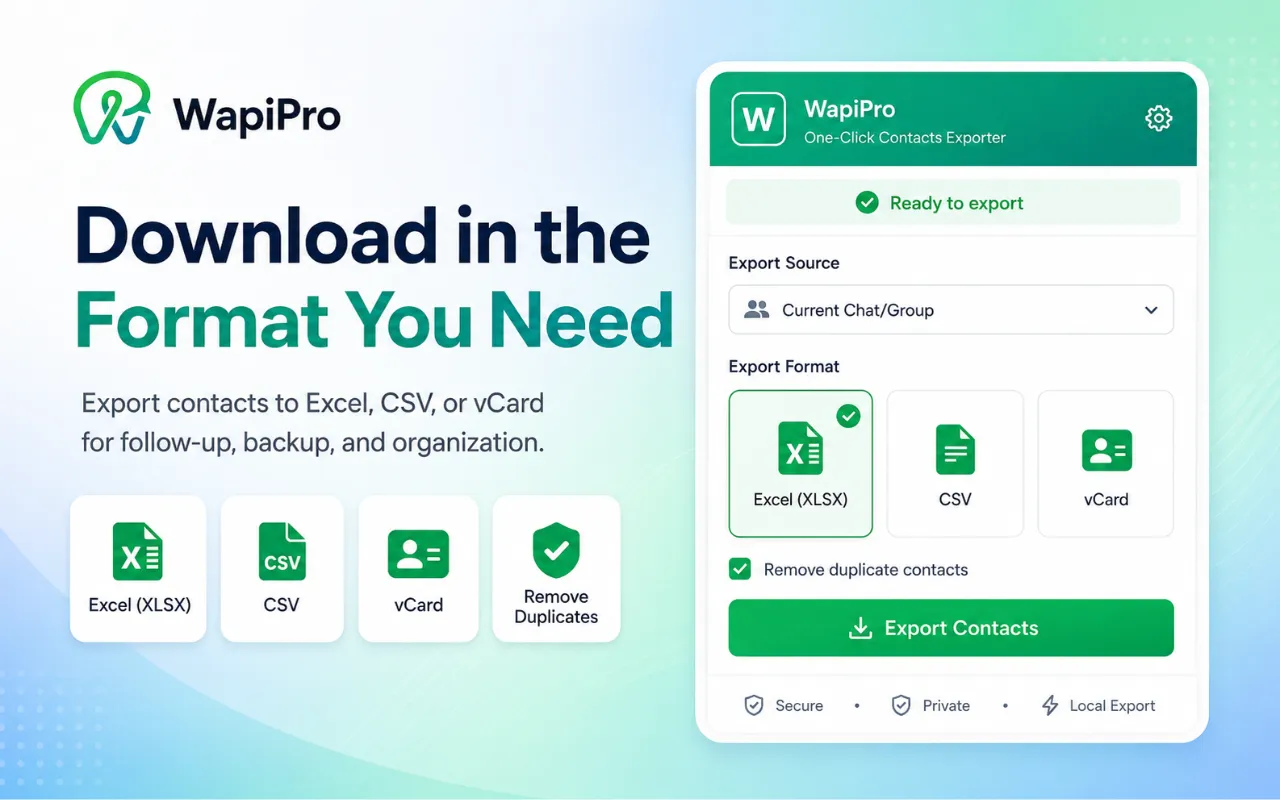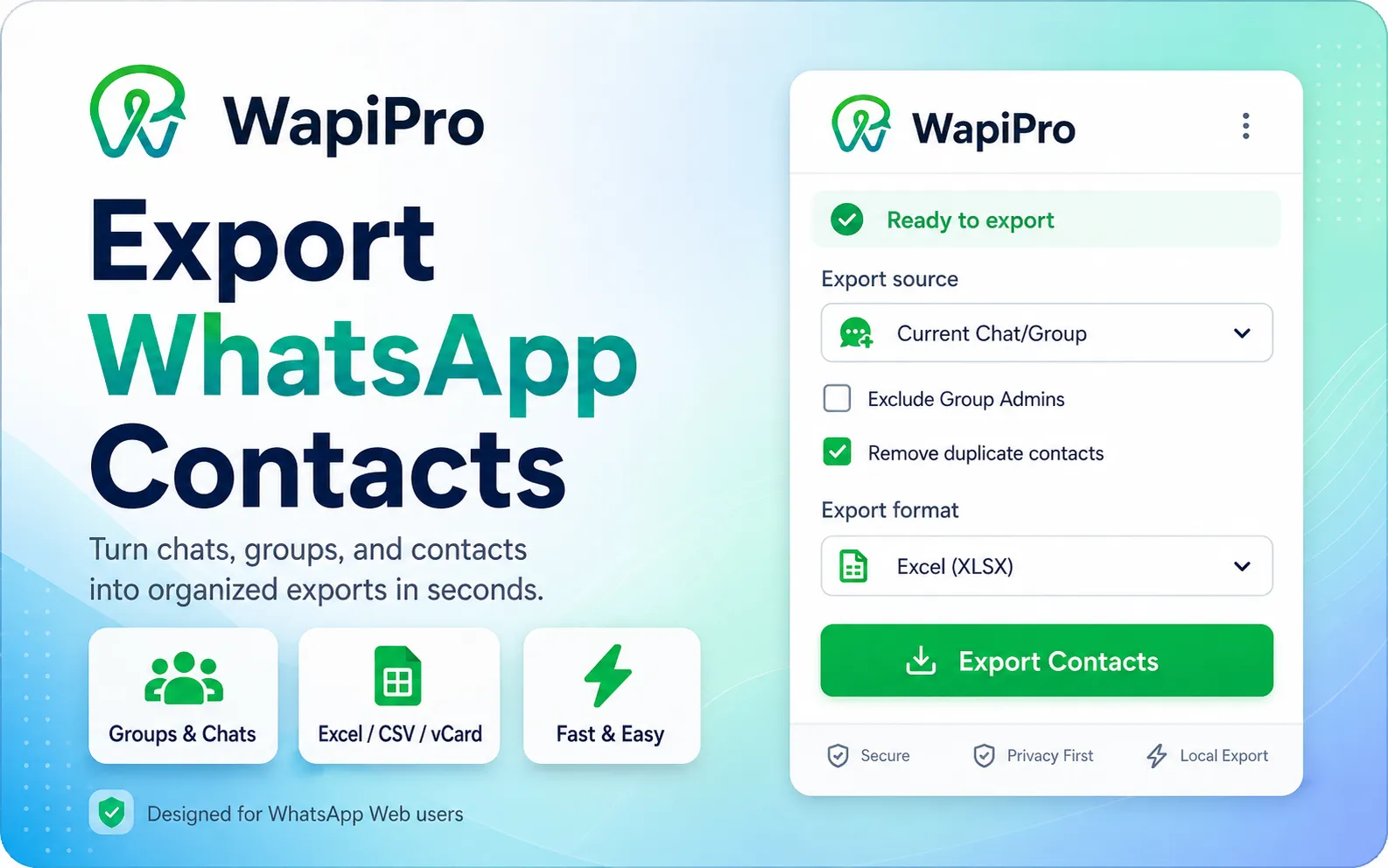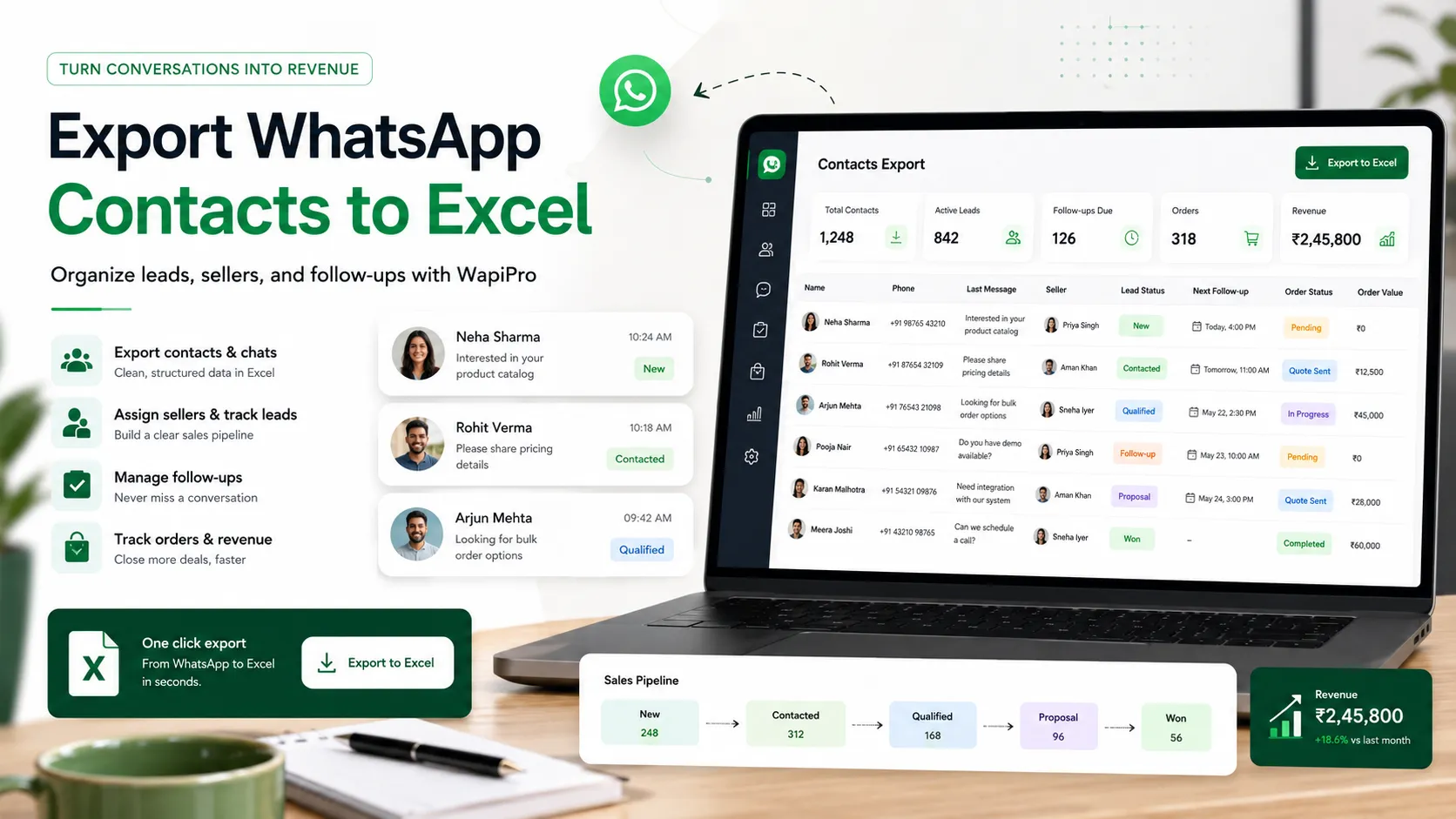
How to Export WhatsApp Contacts to Excel Without Losing Control of Your Sales Workflow
Learn how businesses can export WhatsApp contacts, organize leads in Excel, clean contact lists, assign sellers, and build a more compliant WhatsApp sales workflow with WapiPro.
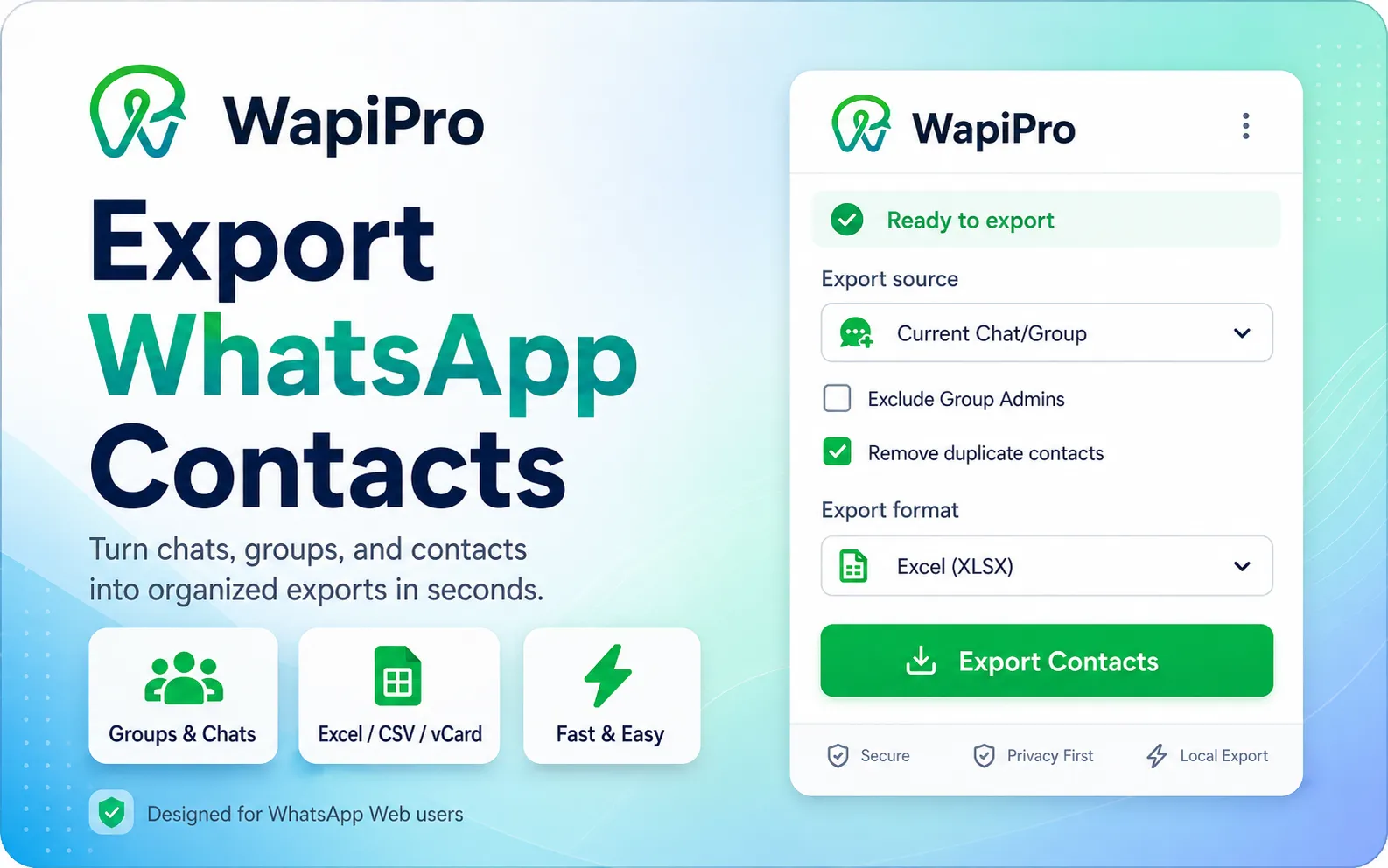
WhatsApp contacts are valuable only when your team can organize them
Why export WhatsApp contacts to Excel?
What a useful WhatsApp contact export should include
Recommended Excel columns for WhatsApp contact management
- Phone number with country code, formatted consistently for import or follow-up.
- Contact name or WhatsApp display name, when available.
- Source, such as group name, seller phone, campaign, order list, or support conversation.
- City or region, especially useful for cash-on-delivery and delivery coordination.
- Lead status, such as new, contacted, interested, ordered, delivered, or not interested.
- Assigned seller or call-center agent to avoid duplicated work.
- Consent or opt-in status when the contact will receive promotional communication.
- Notes for customer preference, product interest, complaint history, or delivery issue.
Practical note
How WapiPro fits into a real WhatsApp sales operation
Example: from WhatsApp group to organized sales pipeline
Manual contact handling vs structured WapiPro workflow
| Workflow area | Manual WhatsApp handling | Structured WapiPro approach |
| Contact collection | Contacts stay inside chats and groups | Contacts are exported and organized for review |
| Seller assignment | Often unclear or duplicated | Contacts can be assigned to sellers or agents |
| Follow-up | Depends on individual memory | Lead status and notes help teams continue the conversation |
| Order tracking | Mixed with chat messages | Orders can be tracked as part of the sales workflow |
| Compliance control | High risk of mass messaging without filtering | Lists can be cleaned and segmented before use |
Compliance: the part many teams ignore
Operational checklist before using exported contacts
- Remove duplicate numbers before assigning the list to sellers.
- Standardize country codes so numbers are ready for future workflows.
- Segment contacts by source, city, product interest, and lead status.
- Keep a clear opt-in or consent field for promotional campaigns.
- Avoid sending the same message to every contact without context.
- Create a follow-up plan for sellers and call-center agents.
- Track which contacts convert into orders, cancellations, or repeat purchases.
The best result is not a bigger list. It is a cleaner workflow.
FAQ
Can I export WhatsApp contacts to Excel?
Yes. With a tool like WapiPro, businesses can export WhatsApp contacts into a structured format that can be opened and organized in Excel.
What should I do after exporting WhatsApp contacts?
Clean the list, remove duplicates, add source information, assign contacts to sellers or agents, and track the lead status before starting follow-up.
Is exporting WhatsApp contacts enough for sales management?
No. Exporting is only the first step. For better results, the contact list should be connected to seller management, call-center workflows, order tracking, and compliant communication rules.
How can I avoid spammy WhatsApp campaigns?
Segment your contacts, respect opt-in rules, avoid irrelevant mass messaging, and separate customer service contacts from promotional leads.
Who should use WapiPro’s WhatsApp contact extractor?
It is useful for e-commerce teams, sellers, call centers, agencies, and businesses that rely on WhatsApp groups, customer conversations, and phone-based sales operations.
Turn WhatsApp contacts into organized sales data
Use WapiPro to export contacts, clean your lists, assign sellers, and build a more controlled WhatsApp growth workflow.