How to Export WhatsApp Contacts to Excel and Turn Chats Into a Sales Pipeline
Learn how businesses can export WhatsApp contacts, clean customer data, organize sellers, follow up faster, and build a compliant WhatsApp sales workflow with WapiPro.
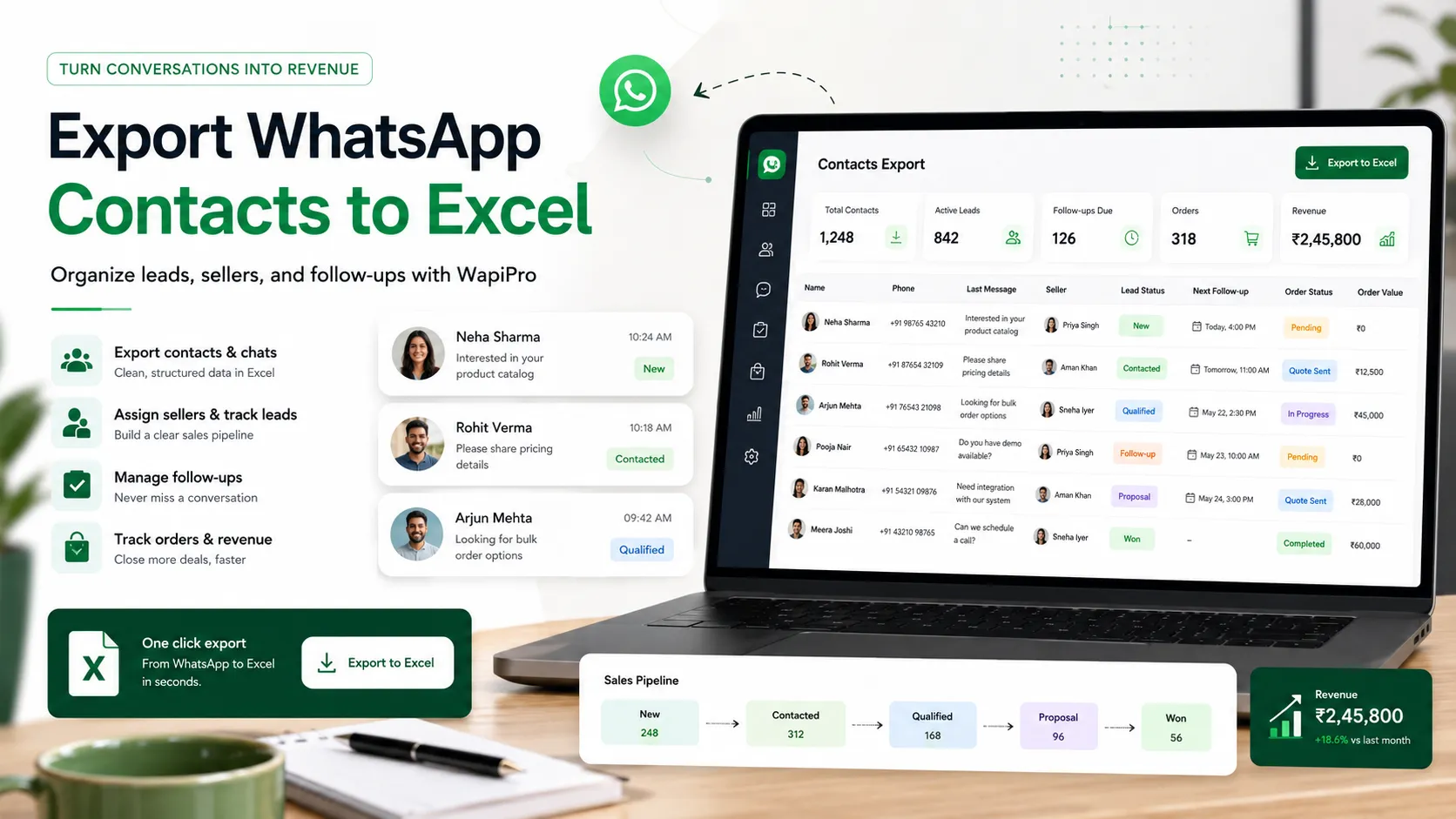
WhatsApp contacts are useful only when your team can act on them
Why exporting contacts matters for sales operations
What a professional WhatsApp contact export should include
Recommended fields to keep in your export file
- Customer name as saved or detected from the chat context
- Phone number in a clean international format
- Source such as group, chat, label, campaign, or seller
- Assigned seller or call-center agent
- Customer status such as new lead, contacted, qualified, ordered, or not interested
- Product or service interest when available
- City, delivery area, or country when useful for operations
- Next follow-up date and internal notes
How WapiPro helps move from contact export to daily execution
Practical example: from WhatsApp group to sales follow-up
Practical note
Manual export vs structured WapiPro workflow
| Workflow area | Manual spreadsheet | WapiPro-assisted workflow |
| Contact collection | Copied manually from chats or groups | Exported into a cleaner operational format |
| Seller assignment | Often unclear or duplicated | Contacts can be organized by seller or team process |
| Follow-up control | Depends on personal memory | Statuses, notes, and next actions are easier to track |
| Order visibility | Disconnected from customer history | Can support order tracking and customer operations |
| Compliance discipline | Easy to lose consent context | Better structure for responsible communication |
Best practices before importing contacts into your sales process
Operational checklist for sales teams
- Create one master file instead of many seller files
- Use consistent status names across the whole team
- Separate leads by source before assigning them
- Add a column for opt-out or do-not-contact requests
- Review seller performance by contacted leads, qualified leads, and confirmed orders
- Keep customer notes short, factual, and useful for the next agent
The real value is not the export. It is what happens after the export
FAQ
Can I export WhatsApp contacts to Excel with WapiPro?
Yes. WapiPro helps businesses export WhatsApp contacts into a cleaner format that can be used for spreadsheets, sales follow-up, seller organization, and operational tracking.
Is exporting WhatsApp contacts useful for sales teams?
Yes, when it is done responsibly. A structured export helps sales teams remove duplicates, assign leads, track follow-ups, and understand which contacts came from chats, groups, labels, or campaigns.
What should I do after exporting WhatsApp contacts?
Clean the data, remove duplicates, add lead status, assign each contact to a seller or agent, and define a follow-up process. You should also respect consent and avoid sending unsolicited bulk messages.
Can WapiPro help call-center teams?
Yes. WapiPro can support call-center workflows by helping teams organize contacts, manage follow-up status, track customer interactions, and reduce confusion between agents.
How can I keep WhatsApp growth compliant?
Use WhatsApp contact exports for structured and legitimate customer communication. Keep consent context where possible, honor opt-out requests, avoid spam, and follow applicable platform and local rules.
Turn WhatsApp contacts into an organized sales workflow
Use WapiPro to export contacts, organize sellers, manage follow-ups, and build a cleaner WhatsApp operations process.