How to Export WhatsApp Contacts to Excel and Build a Cleaner Sales Workflow
A practical WapiPro guide for businesses that use WhatsApp to collect leads, assign sellers, prepare call-center follow-ups, track orders, and organize customer contact data in Excel.
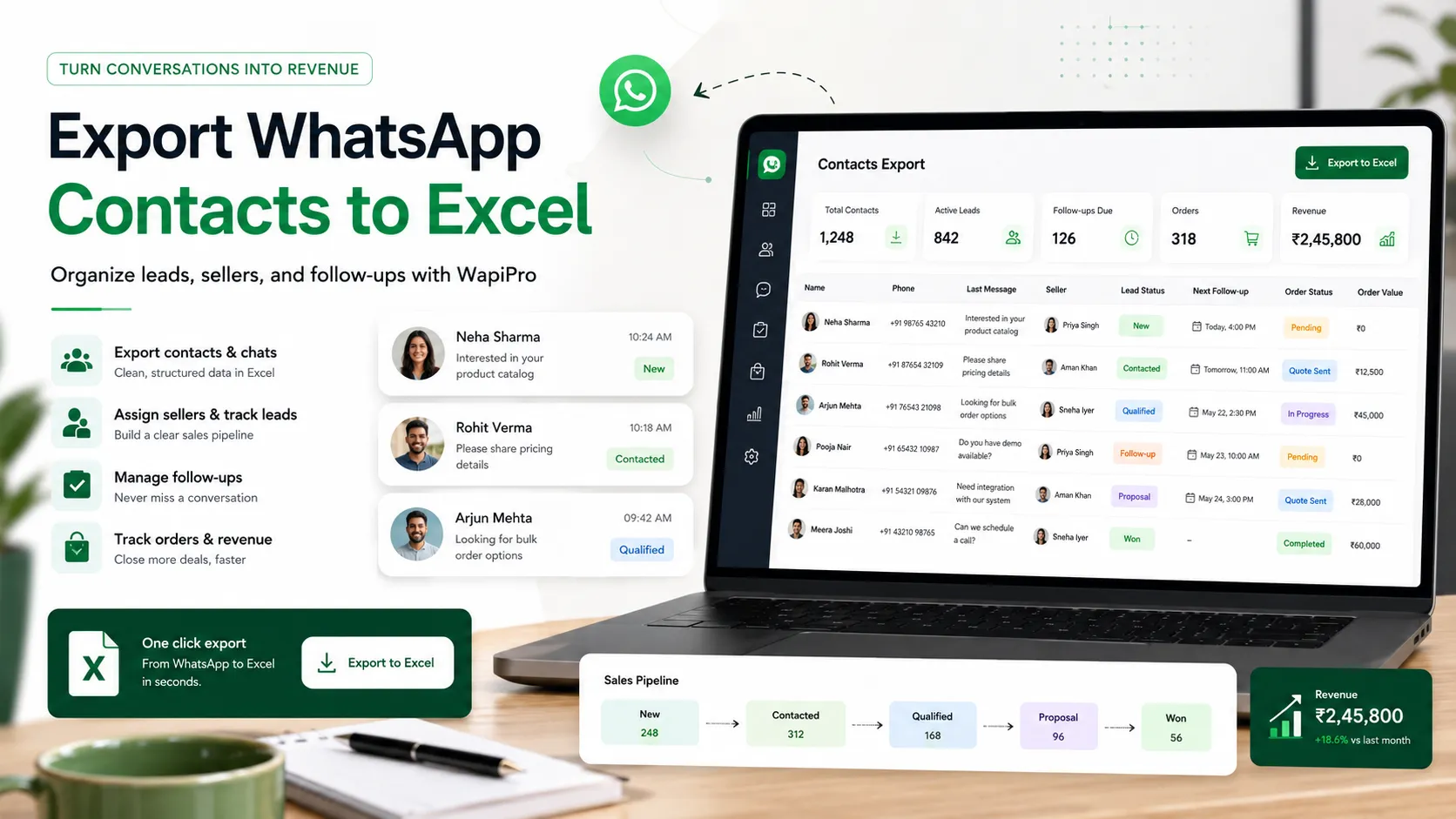
Turn WhatsApp contacts into structured sales data
Why exporting WhatsApp contacts matters for business teams
What a useful WhatsApp contact export should include
Recommended Excel columns for WhatsApp contacts
- Phone number in international format to keep records consistent.
- Customer name when available, or a temporary label if the name is missing.
- Source such as WhatsApp group, seller account, campaign, or manual import.
- Assigned seller or call-center agent responsible for the next action.
- City or delivery area when logistics depend on location.
- Last interaction date to identify warm and cold contacts.
- Status such as new lead, contacted, interested, ordered, not reachable, or duplicate.
- Notes about product interest, preferred language, payment preference, or delivery constraints.
A practical workflow after exporting contacts
Manual WhatsApp handling vs WapiPro workflow
| Area | Manual WhatsApp handling | WapiPro workflow |
| Contact collection | Numbers are copied manually from chats and groups | Contacts are exported and structured for business use |
| Lead assignment | Sellers may contact the same people without coordination | Contacts can be organized by seller, source, and status |
| Call-center follow-up | Agents work with unclear or duplicated lists | Teams can prepare cleaner follow-up lists with practical notes |
| Order visibility | Order details stay scattered across conversations | Contact data can support clearer order tracking and follow-up |
| Compliance discipline | Messaging can become repetitive or uncontrolled | Teams can work with cleaner lists and better follow-up rules |
Good contact data needs responsible messaging
How WapiPro supports seller and call-center operations
Operational checks before using an exported list
- Clean duplicate numbers before assigning leads.
- Separate existing customers from new prospects.
- Mark contacts collected from groups differently from direct inquiries.
- Add a clear follow-up status before sharing the file with agents.
- Avoid sending the same campaign to everyone without segmentation.
- Exclude contacts who asked not to receive further messages.
- Review results by seller, source, city, and campaign.
Common mistakes to avoid
Final recommendation
FAQ
Can I export WhatsApp contacts to Excel for business use?
Yes. Businesses often export WhatsApp contacts to Excel to organize leads, prepare seller follow-up, build call-center lists, and support order tracking. The list should be cleaned and used responsibly.
What columns should I include in a WhatsApp contact export?
Useful columns include phone number, customer name, source, assigned seller, city, status, last interaction date, and notes about product interest or follow-up needs.
How can I avoid duplicate WhatsApp contacts?
Use a consistent international phone number format, remove repeated numbers before assigning leads, and keep one main record per customer whenever possible.
Is exporting WhatsApp contacts enough to increase sales?
No. Exporting is only the first step. Sales performance improves when contacts are segmented, assigned, followed up, and measured properly.
How does WapiPro help after exporting contacts?
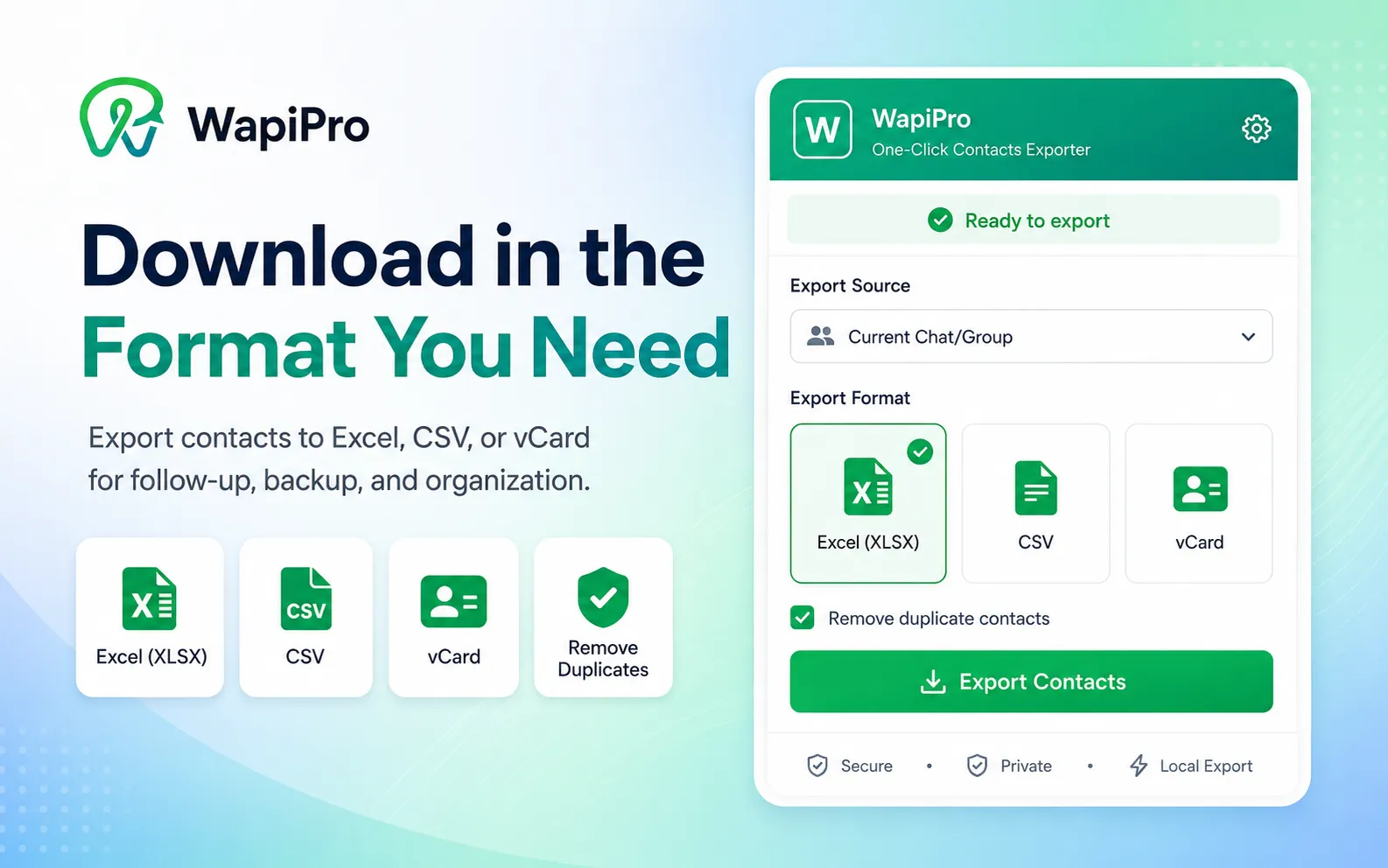
WapiPro helps businesses organize WhatsApp contacts, manage seller operations, prepare call-center workflows, track orders, and improve controlled WhatsApp growth.
Export and organize WhatsApp contacts with WapiPro
Create cleaner contact lists, improve seller follow-up, and bring more control to your WhatsApp sales operations.